

















Gamer Stop Simulator Direct Download:
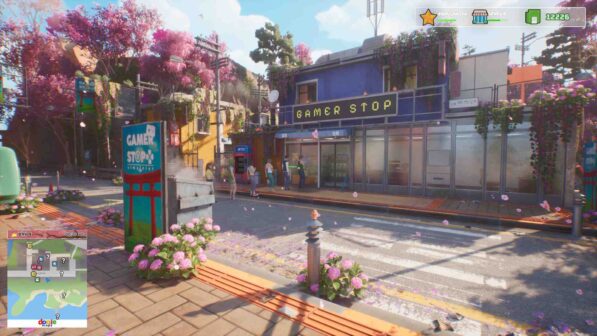
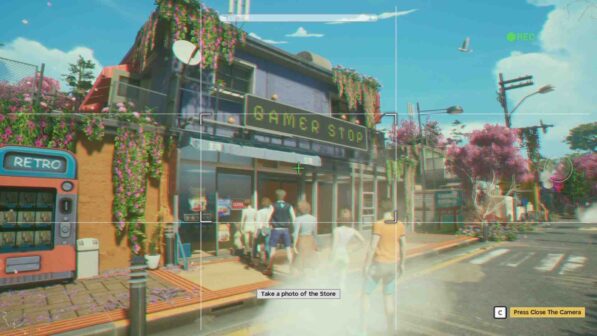
Following a letter from your grandfather, you travel back to your birth country, Japan. He has passed away and left behind an old video game store as your inheritance. To honor his memory, you set out to restore the store to its former glory. That’s the heart of Gamer Stop: build the video game store you’ve always dreamed of. Gamer Stop isn’t just a simulation game. It’s also an adventure with an explorable map. Need a break from work? Step outside and immerse yourself in the breathtaking world of Japan. A variety of activities and mysteries await.
Every day in Gamer Stop feels different. As your journey continues, your store grows and your legacy expands. Japan transforms with the calendar, showcasing its charm across four seasons with special events. “The more you play, the more you’ll discover. Your progress in Gamer Stop is entirely up to you. Greet your customers yourself or hire employees to help you out. “All that’s left for you is to enjoy your own flow.” Your store will never stay the same. Customize both the interior and exterior with plenty of options.
Features and System Requirements:
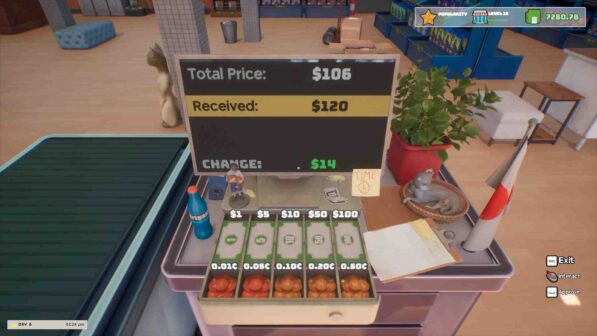
- Manage a full-fledged gaming retail shop—sell games, consoles, accessories, and collectibles to demanding customers.
- Serve different types of gamers with unique preferences, budgets, and patience levels. Keep them happy to earn reviews and repeat business.
- Redesign your shop layout, add shelves, decorations, gaming posters, and expand your store as your business grows.
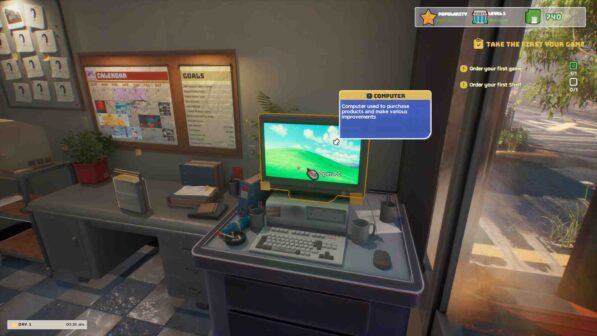
Screenshots
System Requirements
Requires a 64-bit processor and operating system
OS: Windows 10 64-bit
Processor: Intel Core i5-10400F @ 2.90GHz
Memory: 16 GB RAM
Graphics: NVIDIA GeForce RTX 4060
DirectX: Version 11
Storage: 5 GB available space
Support the game developers by purchasing the game on Steam
Installation Guide
1 :: Download Game
2 :: Extract Game
3 :: Launch The Game
4 :: Have Fun 🙂